Path through this site: Home Spreadsheet
Pikobuy Spreadsheet shelves for browsing past the pull list
Every shelf below opens one category of the product catalogue in a new window, ready to browse by category, sort and search. Copy a listing link you like and paste it into Pikobuy.
Shelf photos linking into the catalogue
Shelf photos are real product photos taken from each category. Some show brand marks; they illustrate the shelf and are not recommendations.
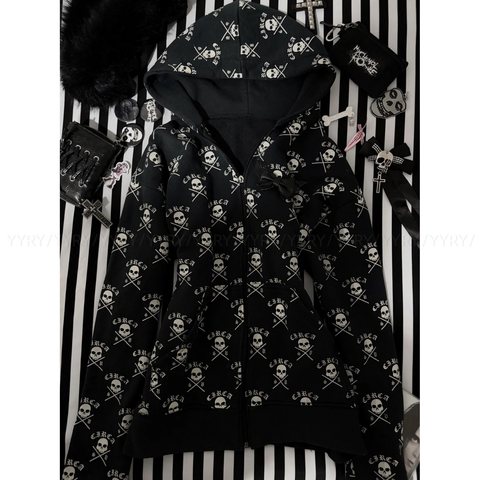 HoodiesZip and pullover, mostly printed
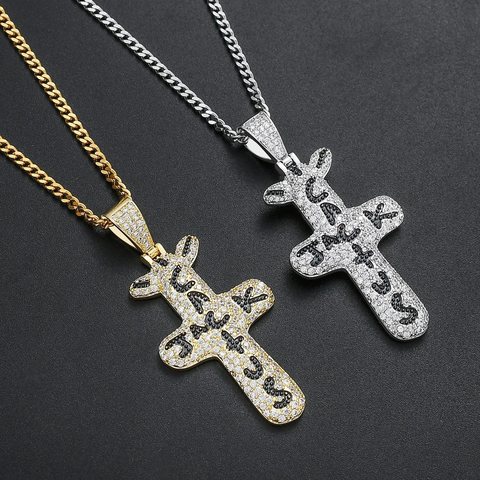 JewelleryPendants, chains and rings
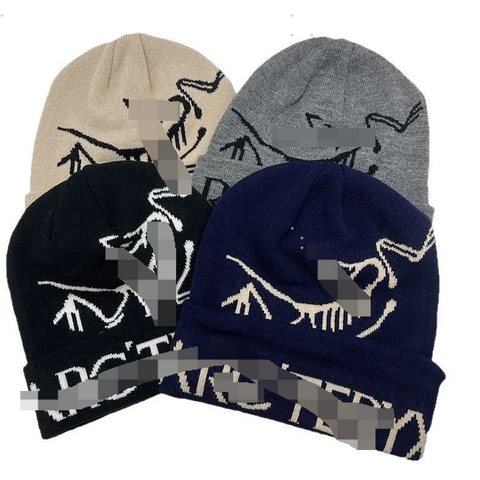 Caps and beaniesAdjustable bands, cheap to ship
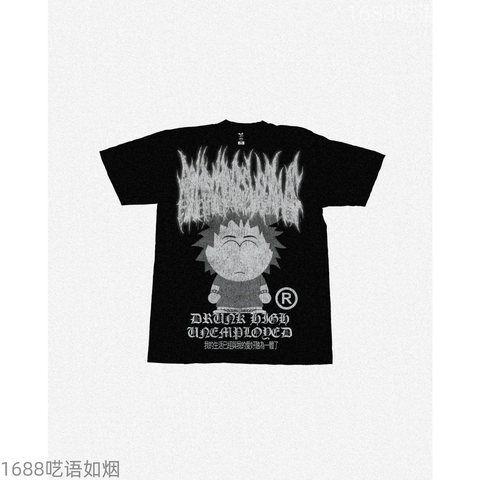 T-shirtsGraphic prints on black and white
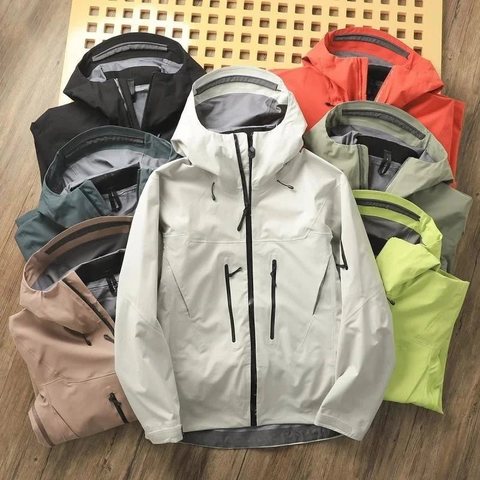 JacketsShells, puffers, work jackets
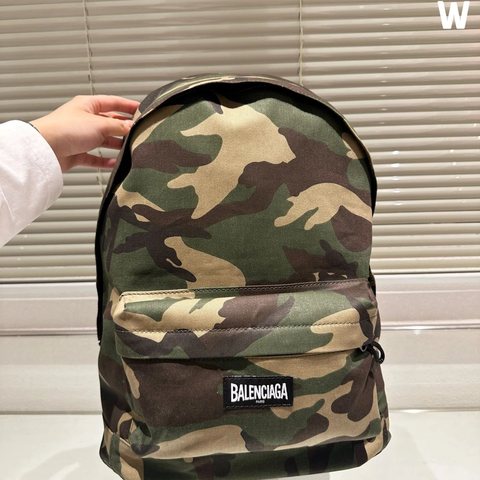 BagsBackpacks, totes, crossbody
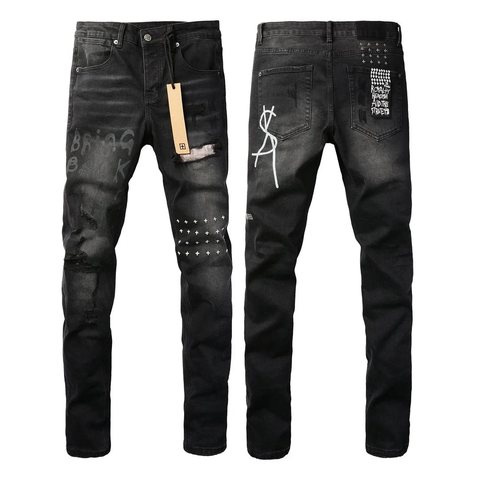 JeansWashed, ripped and straight
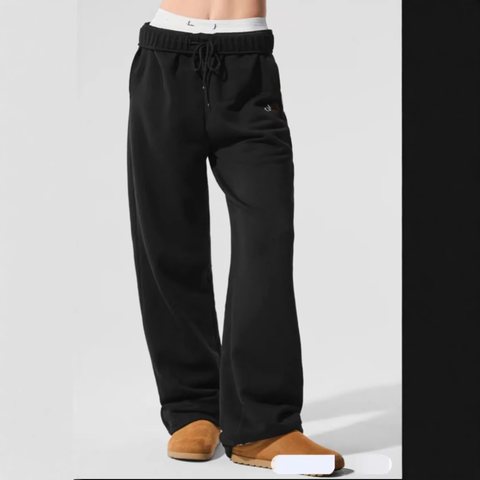 SweatpantsJoggers and wide legs
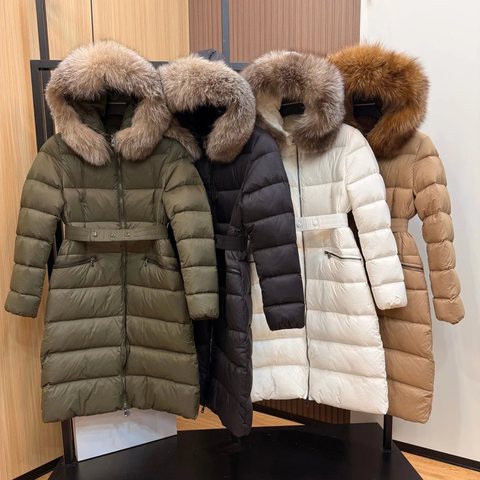 WomenswearA search across the catalogue
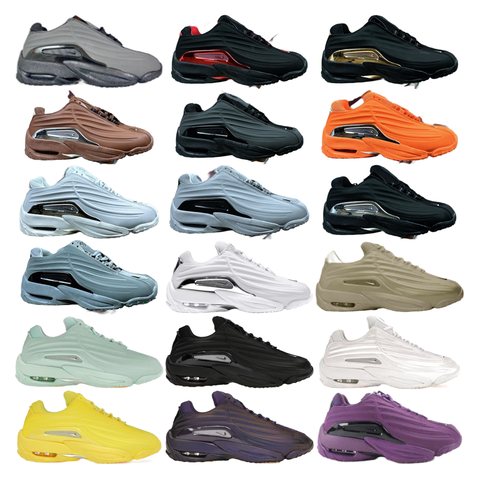 SneakersRunning and lifestyle pairs
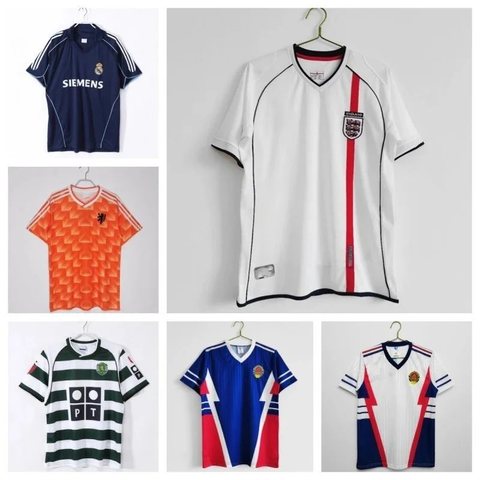 Football shirtsClub and retro styles
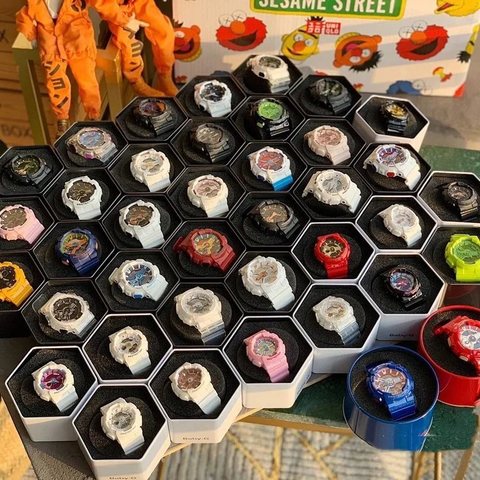 WatchesDigital, smart and analogue
 SunglassesRimless and framed styles
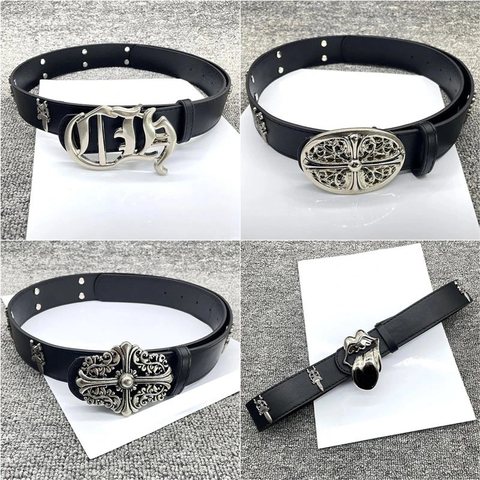 BeltsLeather with big buckles
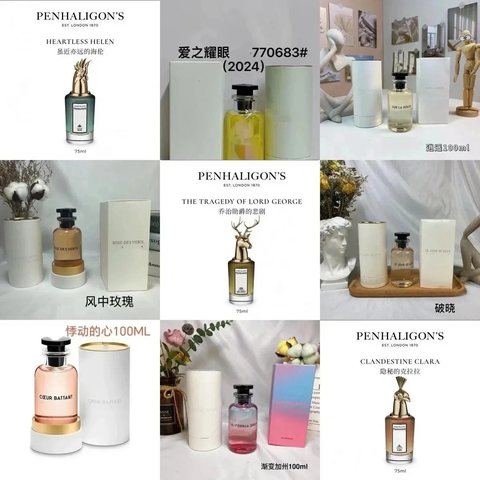 FragranceA short shelf of bottles
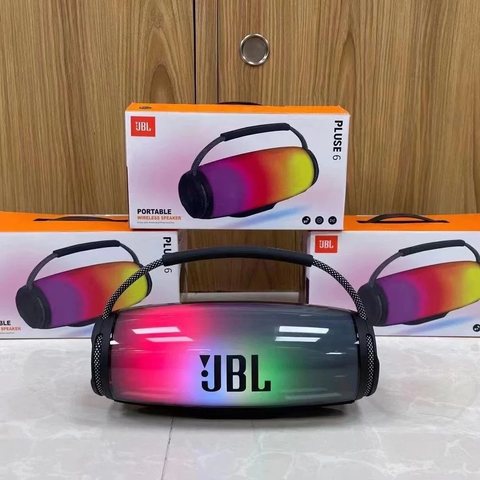 ElectronicsSpeakers, earbuds, cases
How a shelf differs from the pull list
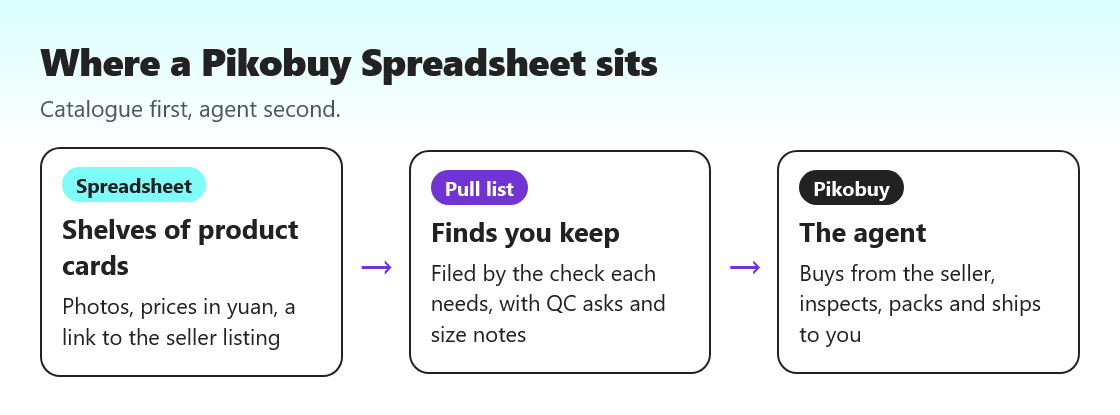
A shelf is wide: hundreds or thousands of listings, sorted by how often people open them. The pull list is narrow: sixteen items, each read line by line. Use the shelves when you know the category and want choice; use the pull list when you want someone to have looked at the menu before you do.
Nothing stops you mixing them. Plenty of readers pull one find from our list, then fill the rest of the parcel from a shelf, because the freight is paid per parcel and an extra cap barely moves the weight.
Anatomy of a catalogue product card
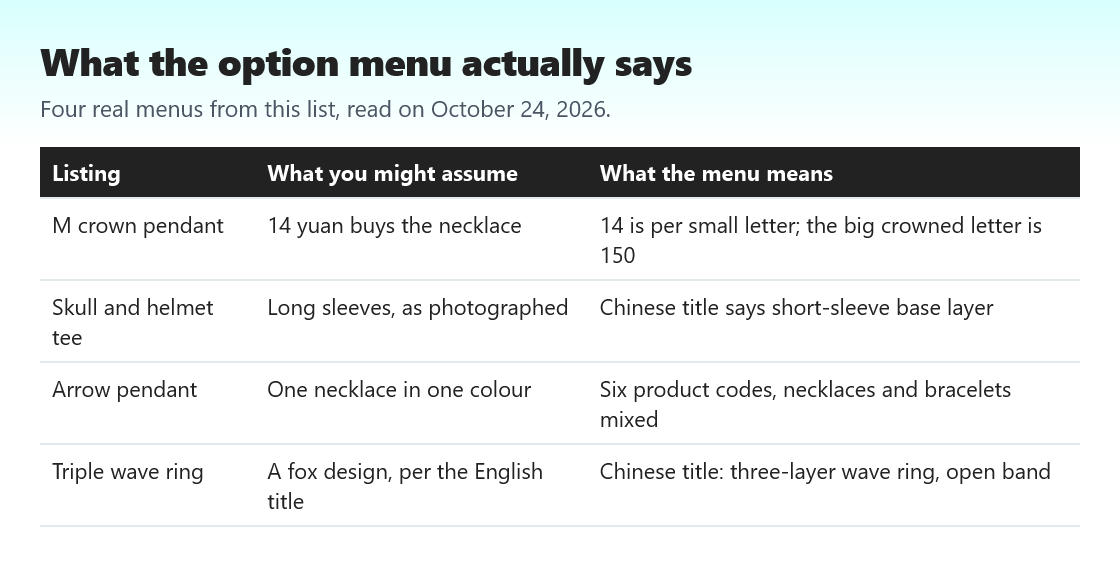
Each card shows a cover photo, an English title written for the catalogue, and a price in yuan. Open the card and you get more: the seller's original Chinese title, the option menu with a price for every option, and the link to the marketplace listing. The Chinese title is the one written by the seller, so when the two titles disagree, believe the Chinese one.
A card shows the cheapest option's price. If a listing shows a range, the cheap end may be a small accessory or a single letter, as with the crowned pendant on our list.
Catalogue search words that return results
The search box takes English words. Plain garment words such as zip hoodie, straw hat, waist bag or open ring return useful results. Brand names return branded listings, which we do not cover. Colour plus garment narrows things quickly: black long sleeve, washed denim cap.
If a search returns nothing, try the singular form, drop an adjective, or browse the shelf instead. When you find something, paste the listing link into the Pikobuy search box; Pikobuy reads Taobao, Tmall, 1688, Weidian and Yupoo links, and its home page search also lists second-hand Xianyu as a source.
Search the catalogue again here: