Path through this site: Home QC photos
Pikobuy QC photos, read the right way
The warehouse takes the pictures; you decide what they need to show. Here is how to ask, and how to read what comes back.
Check-in, photo confirmation, defect check
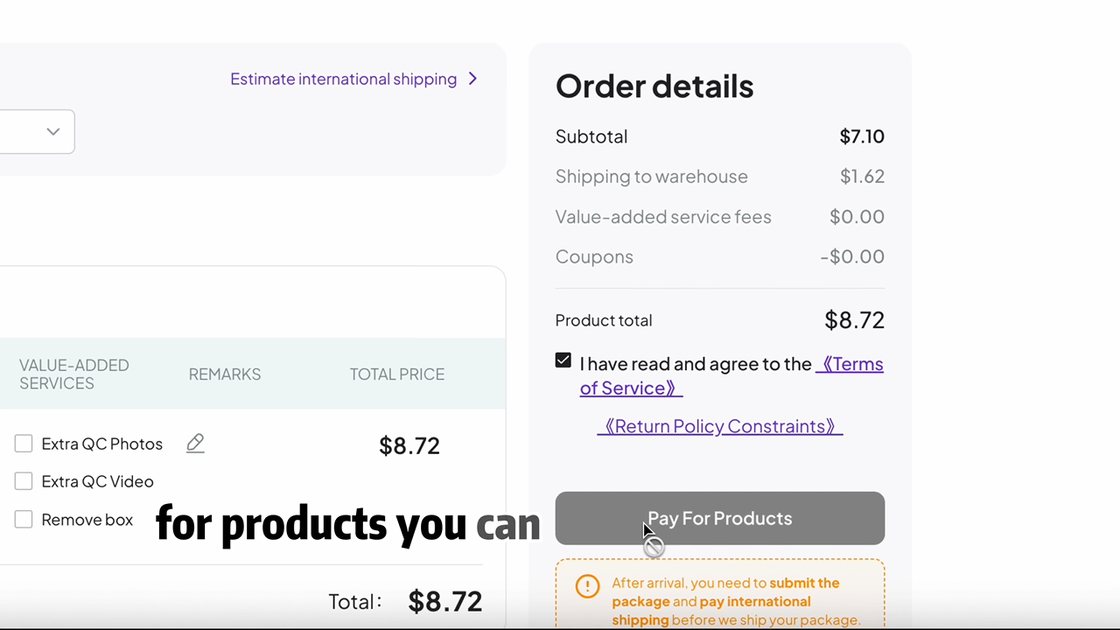
Pikobuy's guide describes the warehouse step in three parts: check-in, photo confirmation and a defect check. The order page then distinguishes standard photos from custom ones, and the order form offers Extra QC Photos and Extra QC Videos as value-added services. When you choose extra photos, the form will not go through without a note saying what you want photographed.
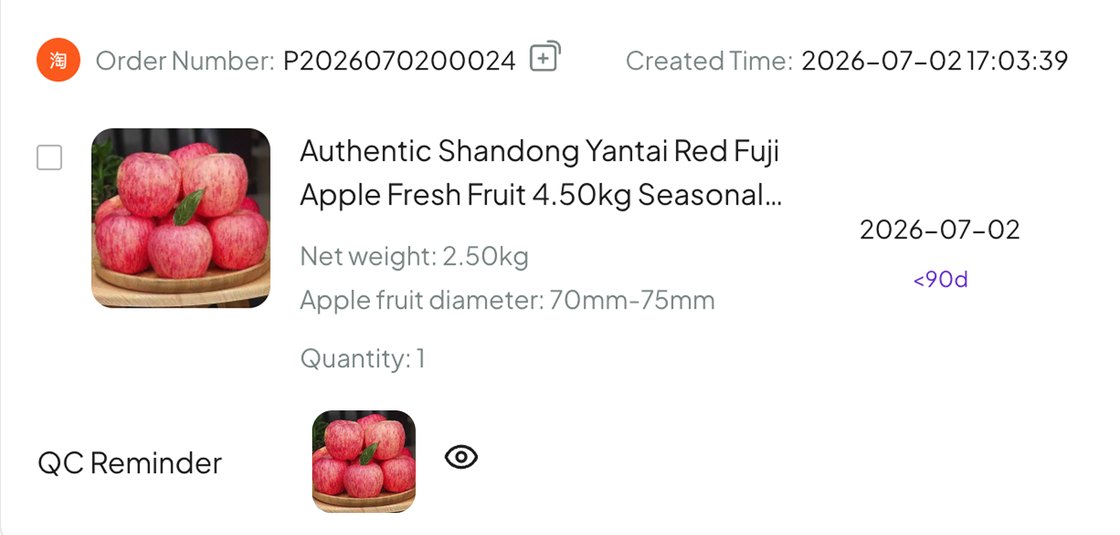
The standard photos confirm the item arrived and roughly what it looks like. The custom photos are where the real checking happens, because they show what you asked to see.
Reading warehouse pictures one check file at a time
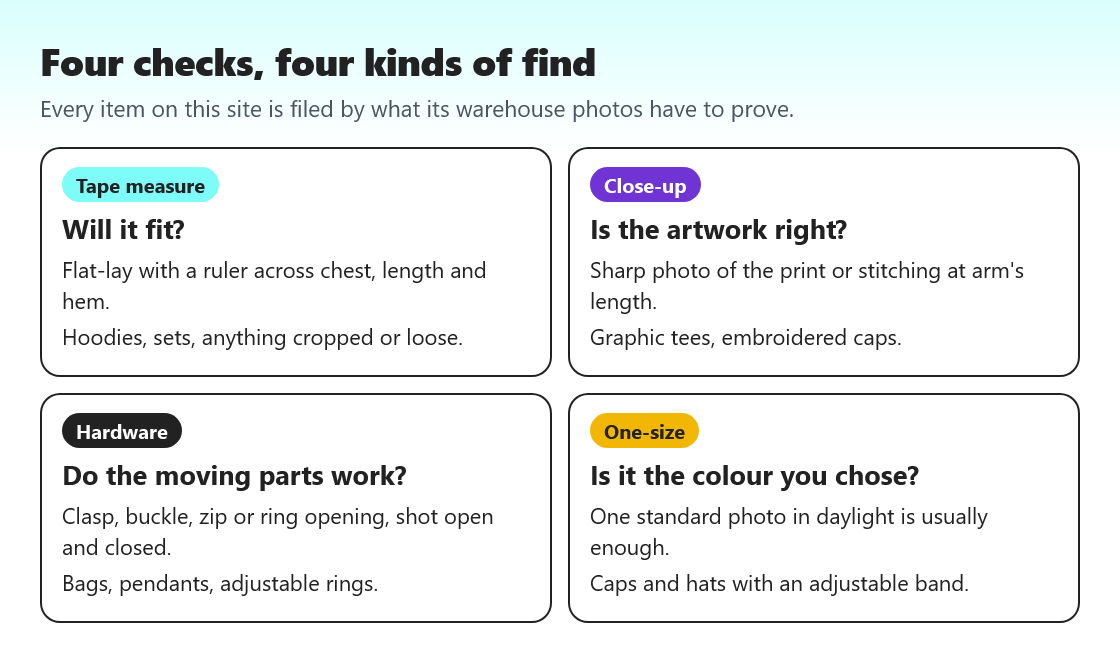
How to read QC photos starts with the file your find sits in. For tape-measure finds, read the numbers before anything else and compare them with a garment you own; do not decide from the picture. For close-up finds, zoom in on edges where two colours meet and on the smallest text. For hardware, check that every open-and-closed shot you asked for is there. For one-size finds, check the colour in daylight and move on.
Then check three things on every item: the label shows the size you ordered, nothing is visibly stained, torn or missing, and the item is the one in the listing photo. If something is off, act inside the 120-hour return window; the return clock tells you when it closes.
Writing a request the inspector can follow
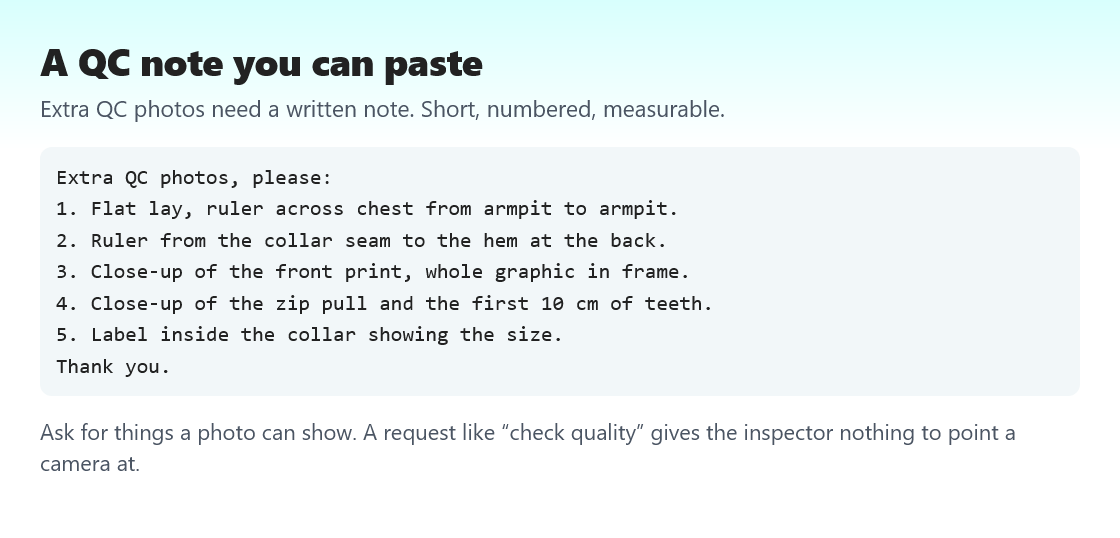
Inspectors work through many orders a day. A note that says check quality gives them nothing to photograph. Numbered lines that each name one view work far better: ruler across the chest, close-up of the front print, zip open and closed. Keep it under six lines and include one request for the size label.
Write the note at order time in the remark beside Extra QC Photos. The order note tool builds one from the finds you tick.
What the warehouse cannot judge
Pikobuy's user agreement is frank about limits. For electrical appliances, models, tickets, cards and some other goods, inspectors look only at whether the exterior is undamaged and whether every accessory is there, without opening packaging, and Pikobuy makes no promise about quality. For CDs and figures sealed in plastic, only the outside is checked. Custom-made items cannot be inspected professionally at all.
None of the finds on this list fall into those groups, but small jewellery sealed in a bag comes close. Ask for the bag to be opened if you want the piece photographed.
GL, RL and your own verdict
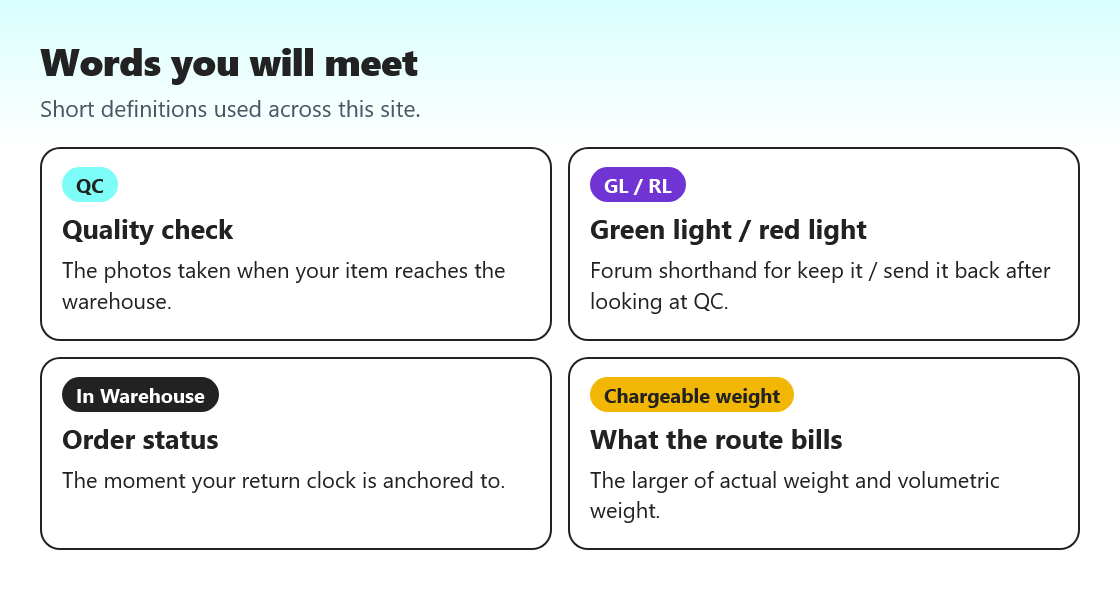
Buyers on forums shorten their verdict on QC photos to GL, green light, meaning keep it and ship it, or RL, red light, meaning send it back. Treat any stranger's GL as an opinion about photos, not about the item. You know what you wanted; the photos either show it or they do not.
A red light costs money unless the fault is the seller's. A wrong colour, a wrong size or visible damage is the seller's problem. A change of mind is yours, at the return postage plus the seller's original shipping and a 5 yuan service fee.